Remove Background from Any Image
Instantly remove backgrounds from images with AI-powered precision. Works 100% locally in your browser for complete privacy. No uploads, no limits, no sign-up required.
Drop an image or click to upload
Supports JPG, PNG, WebP, SVG, GIF
or paste with Ctrl+V🔒 Your image never leaves your device
How to Remove Background from Images
Upload your image by clicking the upload area or dragging and dropping your file. Supports JPG, PNG, WebP, and SVG formats.
Select your preferred quality level: Fast (13MB, best for portraits), High Quality (370MB, works on all images), or Maximum (514MB, professional grade).
Choose whether you want a transparent background or add a solid color background using the color picker.
Click 'Convert Image' and wait a few seconds while the AI processes your image locally in your browser.
Download your PNG image with transparent (or colored) background. Use it anywhere without watermarks or restrictions.
When to Use Background Removal
E-commerce product photography - Create clean product images for online stores with transparent backgrounds
Social media graphics - Remove distracting backgrounds from photos for Instagram, Facebook, and Twitter posts
Profile pictures - Extract yourself from cluttered backgrounds for professional headshots and avatars
Marketing materials - Prepare images for flyers, brochures, and presentations with clean transparent backgrounds
Graphic design projects - Isolate subjects for use in composite images, posters, and creative designs
Real estate listings - Remove unwanted elements from property photos to focus on the space
Tips & Best Practices
Use high-contrast images where the subject clearly differs from the background for best AI accuracy
For portraits, the Fast model (MODNet) works great and loads quickly, especially on mobile devices
For complex scenes with multiple subjects or intricate details, choose High Quality or Maximum models
If you need a white or colored background instead of transparency, use the color picker after removal
Save images as PNG to preserve transparency - JPG format doesn't support transparent backgrounds
Why Choose Our Background Remover
100% Private
All processing happens locally in your browser. Your images never leave your device or get uploaded to any server.
Instant Results
No waiting for uploads or queues. Process images in seconds with local AI processing powered by WebAssembly.
No Limits
Remove backgrounds from unlimited images. No file size restrictions, no watermarks, no account required.
Multiple Quality Options
Choose from Fast (13MB), High Quality (370MB), or Maximum (514MB) models based on your needs and device.
Examples
See the difference for yourself


Product photo background removal example
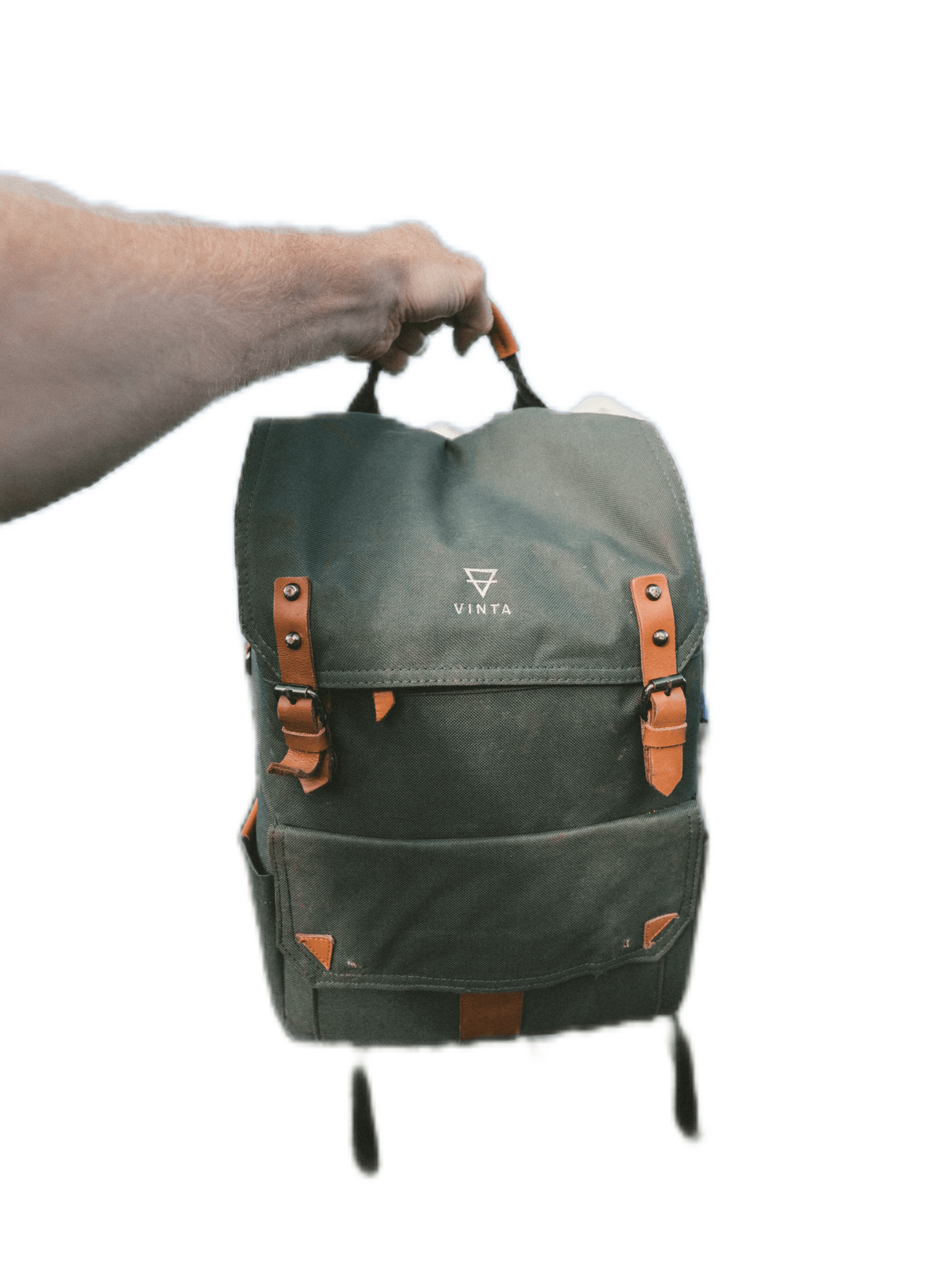
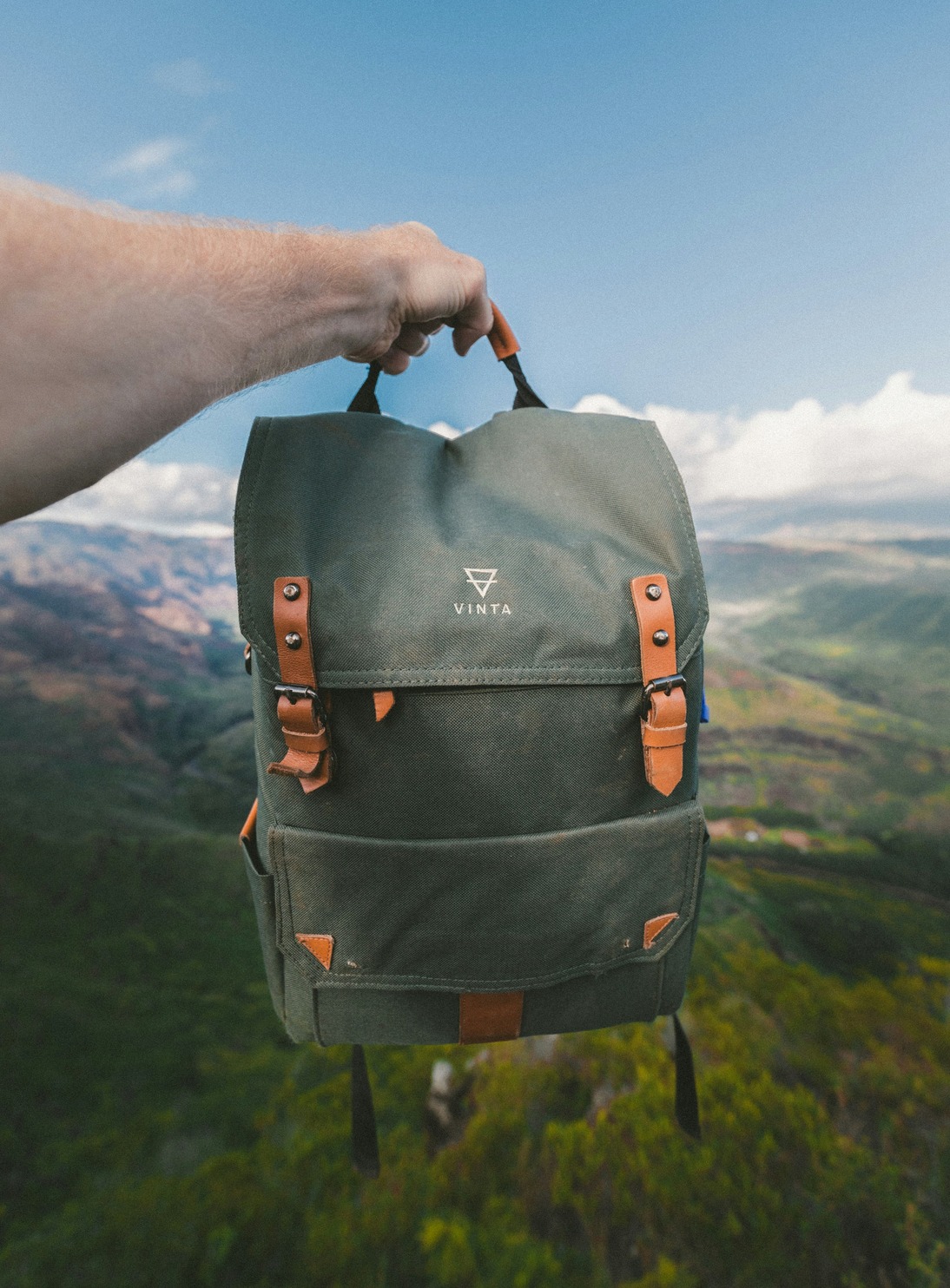
Portrait background removal example
Explore More Tools
Discover other powerful image editing features
Remove Background from JPG Images
Remove backgrounds from JPG images. Convert JPG to transparent PNG instantly in your browser. Free tool, no upload required.
Remove Background from PNG Images
Remove PNG background free. Get transparent PNG instantly — no upload, no sign-up, no watermarks. AI-powered, works in your browser.
Remove White Background from Images
Free white background remover. Remove white backgrounds from images with AI. Works locally in your browser, no upload required.
Make Image Background Transparent
Free transparent background tool. Make image backgrounds transparent with AI. Works in your browser, no upload required.
Frequently Asked Questions
Everything you need to know
Our tool uses MODNet, a state-of-the-art AI model trained specifically for background removal. It analyzes your image to detect the main subject and separates it from the background with precision. The entire process runs locally in your browser using WebAssembly, ensuring your images never leave your device.